Repeated questions
Stop answering the same questions manually again and again.
Upload your documents, add aurochat to your website, and give every visitor an instant answer while capturing the conversations that need a human.
Free plan available. No credit card required.
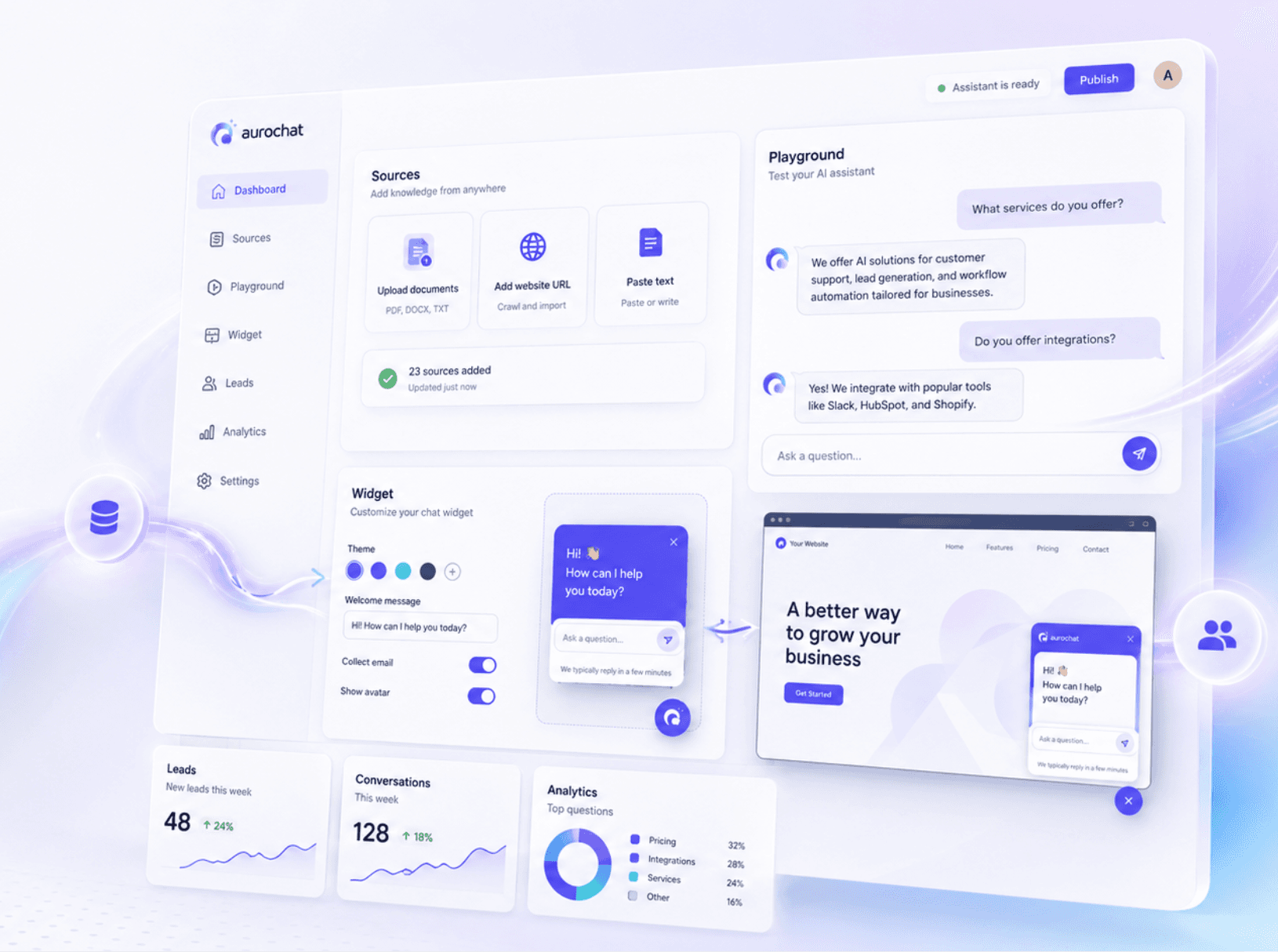
Most businesses have useful information scattered across PDFs, service pages, help docs, pricing notes, and internal instructions. aurochat turns that knowledge into a simple website assistant that helps visitors get answers without searching through everything manually.
Stop answering the same questions manually again and again.
When visitors need a person, collect their contact details instead of losing the conversation.
Upload files, paste text, or add a page URL as assistant knowledge.
Keep answers grounded in your own content and use fallback messages when information is missing.
A clean dashboard for your knowledge, assistant settings, conversations, leads, and usage.
Playground
What is included in Starter?
Starter includes 3 agents, 2,000 monthly AI replies, lead capture, analytics charts, CSV export, and email lead notifications.
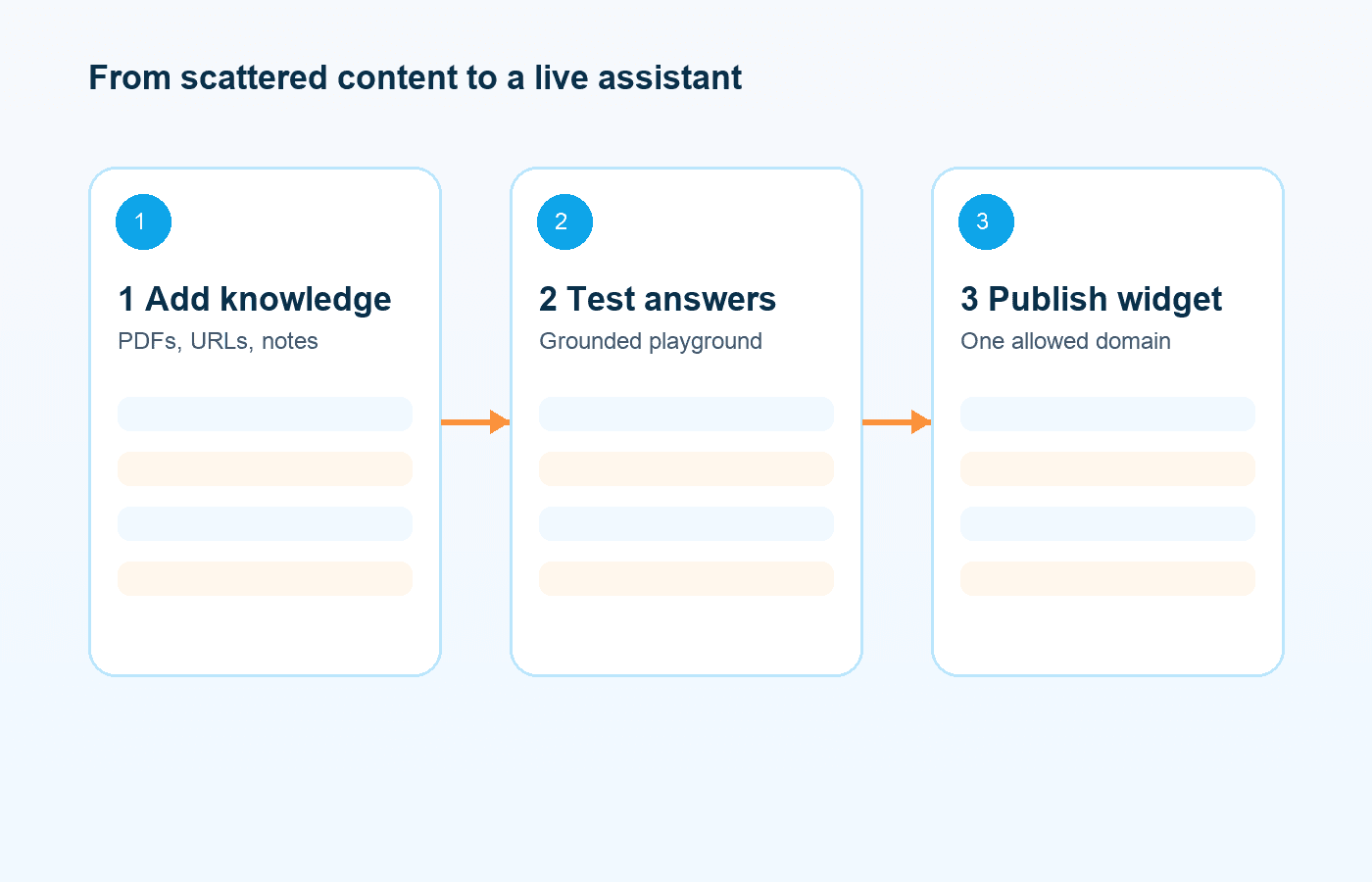
Watch the full flow: add knowledge, test the assistant, customize the widget, and copy the embed script.
In this short demo, we create a new assistant, add a knowledge source, test a grounded answer in the playground, customize the website widget, add an allowed domain, and copy the embed code. We also show what happens when the assistant cannot find an answer: it offers a contact form and saves the conversation for review.
Upload PDFs, DOCX, TXT, or Markdown files. Add a page URL or paste text directly into aurochat.
Use the playground to test answers, adjust tone, set fallback messages, add quick replies, and style the widget.
Copy the script to your website, collect conversations and leads, and review unanswered questions to improve your knowledge base.
The assistant uses your knowledge base for business-specific questions.
Upload files, add a URL, or paste text manually.
Install the assistant with a lightweight embed script.
Collect name, email, optional phone, and message when visitors need help.
Test the assistant internally before adding it to your website.
Review full transcripts, feedback, fallback events, and related leads.
See what your visitors ask when the assistant cannot find an answer.
Track monthly usage and upgrade when you need more capacity.
No complex setup. Start with your existing documents, web pages, and internal notes.
Use text-based PDFs such as FAQs, service guides, onboarding documents, and policies.
Upload business documents, product notes, and support instructions.
Add structured documentation and plain-text knowledge.
Add one public page URL at a time.
Paste instructions, answers, or internal notes directly into aurochat.
OCR, spreadsheets, recursive sitemap crawling, and image knowledge are not included in the MVP. Sitemap sync is planned for Pro.
Customize the assistant name, avatar, colors, welcome message, input placeholder, quick replies, and widget position.
If the assistant cannot find an answer or the visitor asks for a person, aurochat can offer a simple contact form and save the conversation for your team.
Live human handover is Coming soon. The MVP supports asynchronous lead capture.
See pricingaurochat lets you create an AI assistant trained on your business knowledge and embed it as a chat widget on your website.
Yes. The Free plan includes one active assistant, 100 AI replies per month, and basic usage limits. No credit card is required.
You can upload PDF, DOCX, TXT, and Markdown files, add one public page URL at a time, or paste text manually.
For business-specific questions, the assistant is designed to answer from your knowledge base. If it cannot find relevant information, it can use a fallback message and offer contact capture.
Yes. You can customize the assistant name, avatar, welcome message, placeholder, quick replies, colors, and position.
After creating an assistant, add your allowed domain and copy the embed script into your website.
It can show a fallback message and offer a contact form. The conversation is saved so you can review it later.
Live human handover is planned for Pro and marked as Coming soon. The MVP supports lead capture instead.
These channels are planned for Pro and marked as Coming soon. The MVP includes the website widget.
Yes. Starter removes the 'Powered by aurochat' branding from the widget.
No. Uploaded knowledge files are private. Public widget users can chat with the assistant, but they do not receive direct access to your files.
Yes. Account deletion permanently removes or schedules deletion of your workspace data, documents, embeddings, conversations, and leads.
Start with your existing knowledge. Test the assistant. Add it to your website when you are ready.
No credit card required.